
ScriptAssist blog
Better presentations start long before you present.
Practical guidance for writing, timing, rehearsing and delivering presentations with confidence.
Featured guide
The complete guide to presenting virtually.
Latest articles
The Virtual Presentation Checklist
A virtual presentation checklist for Zoom, Teams, and Webex: what to prepare days before, the final pre-share check, delivery, recovery, and follow-up.
What Is a Good Speaking Rate for a Presentation?
A good speaking rate for a presentation is about 130 words per minute, with most presenters landing between 110 and 150. Here is what affects your pace, how to find yours, and when to slow down.
How Many Words Is a 10-Minute Presentation?
A 10-minute presentation is roughly 1,300 words at a conversational pace. Here is how speaking speed changes that, how many slides to use, and why technical talks run longer than the word count suggests.
How Many Words Is a 15-Minute Presentation?
A 15-minute presentation is roughly 1,950 words at a conversational pace. Here is how speaking speed changes that, how to structure the extra time, and why you should leave a buffer.
How Many Words Is a 20-Minute Presentation?
A 20-minute presentation is roughly 2,600 words at a conversational pace. Here is how speaking speed changes that, how to handle Q&A time, and why longer talks drift over most easily.
How Many Words Is a 5-Minute Presentation?
A 5-minute presentation is roughly 650 words at a conversational pace. Here is how word count changes with speaking speed, and why your real script should usually be shorter.
How to Shorten a Presentation That's Running Over Time
If your presentation consistently runs over, speaking faster is usually the wrong solution. Here's how to find the extra minutes and cut them without losing your message.
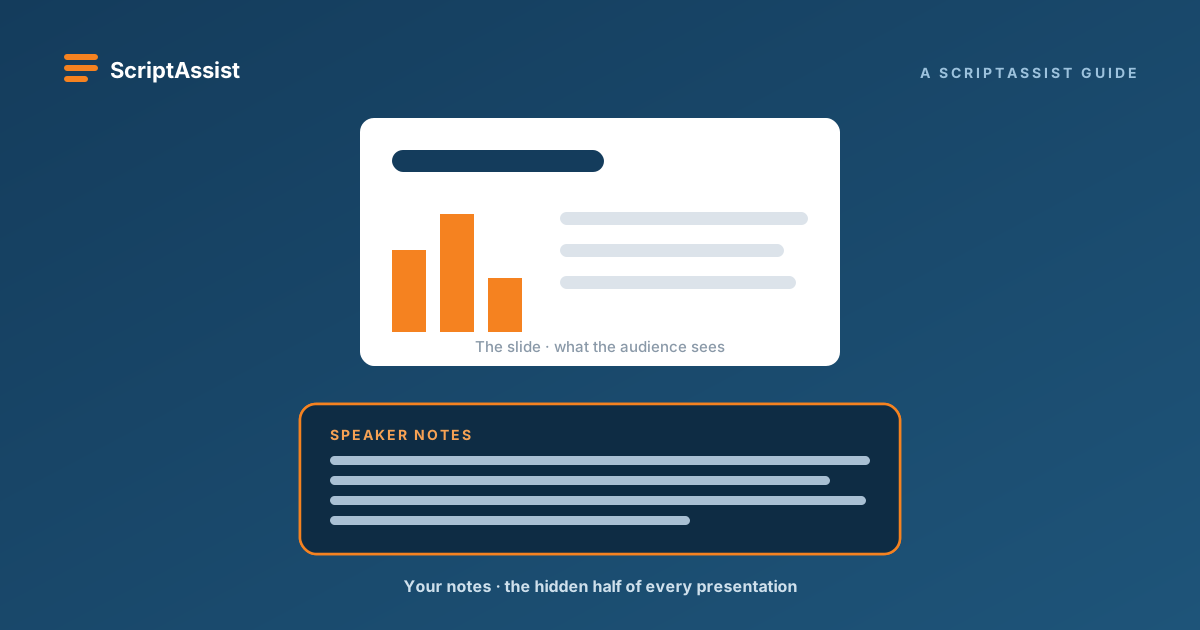
PowerPoint Speaker Notes: The Complete Guide for Presenters
Everything presenters need to know about PowerPoint speaker notes, from writing and reviewing your script to timing it, rehearsing it, and reading it on camera without losing eye contact.
How to Write a PowerPoint Presentation Script with AI
Learn how to use AI to draft a PowerPoint presentation script from your slides or refine existing speaker notes into natural spoken language with ScriptAssist.
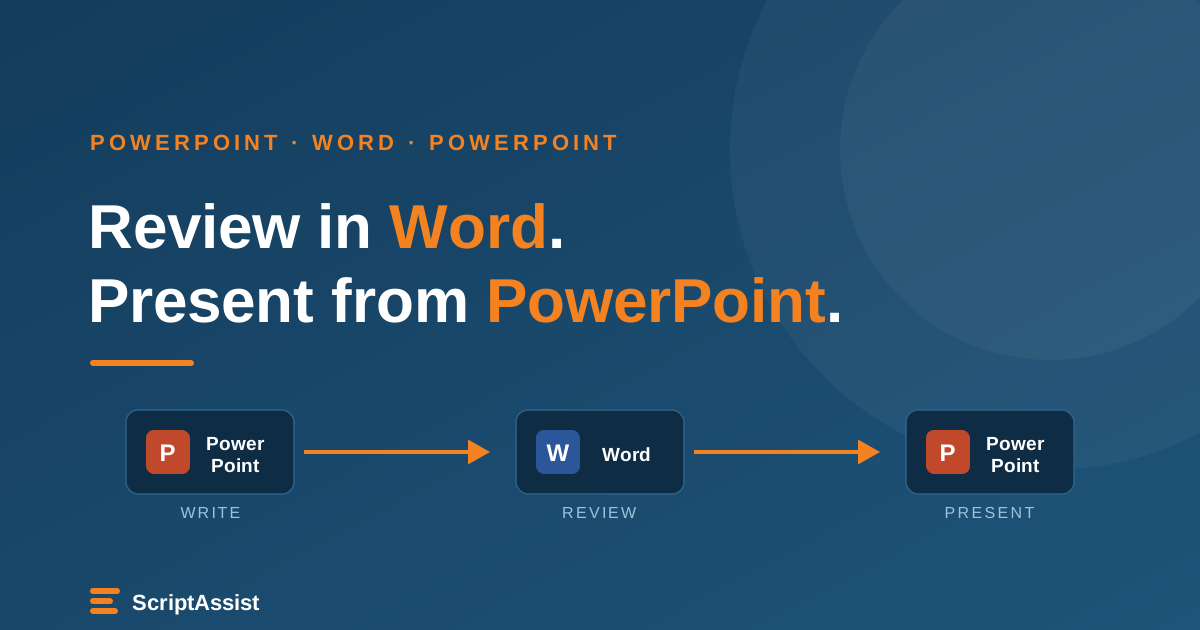
How to Review Your PowerPoint Script in Word, and Bring the Changes Back
Export your PowerPoint script to Word for review and Track Changes, then bring revisions back into the correct PowerPoint speaker notes with ScriptAssist.
How to Use PowerPoint as a Teleprompter (Without Losing Eye Contact)
Turn your PowerPoint speaker notes into a teleprompter you can read on camera - while staying invisible to your audience on Zoom, Teams, and Webex.
How to Maintain Eye Contact While Presenting on Camera
Eye contact is what makes a virtual presentation feel confident and trustworthy - and it's mostly a matter of geometry. Here's how to hold it, even when you're reading.
How to Write a Presentation Script That Doesn't Sound Like Reading
A word-for-word script keeps you on message - but only if it's written for the ear. Here's how to write a presentation script you can deliver naturally, without sounding like you're reading.
Presenter View vs. a Teleprompter - Which Should You Use?
PowerPoint Presenter View and a teleprompter both keep you on track, but they solve different problems. Here's how they differ and which one fits in-person vs. on-camera presentations.
The Complete Guide to Presenting on Zoom
A practical, end-to-end guide to delivering a polished presentation on Zoom - camera and audio setup, sharing slides cleanly, engaging a remote audience, and reading your notes without it showing.
No articles in this topic yet.